“How many are in tonight?”
The headcount lives on a clipboard at the door. When the fire department asks who is in the building, someone walks the floor to check.
Shelter check-in software · for shelters, warming centers & day centers
Check guests in at the door, see everyone on one live board, and see who has been out past a time limit. Volunteers learn the basics in 5–10 minutes.
$30/month per location · unlimited users · no credit card required
Backed by





The headcount lives on a clipboard at the door. When the fire department asks who is in the building, someone walks the floor to check.
Bathroom trips and smoke breaks get noted on scraps of paper, or not at all. Nobody can say who has been gone 40 minutes.
How many people stayed this month, and for how many nights? Answering it means hours of counting sign-in sheets by hand.
At the door
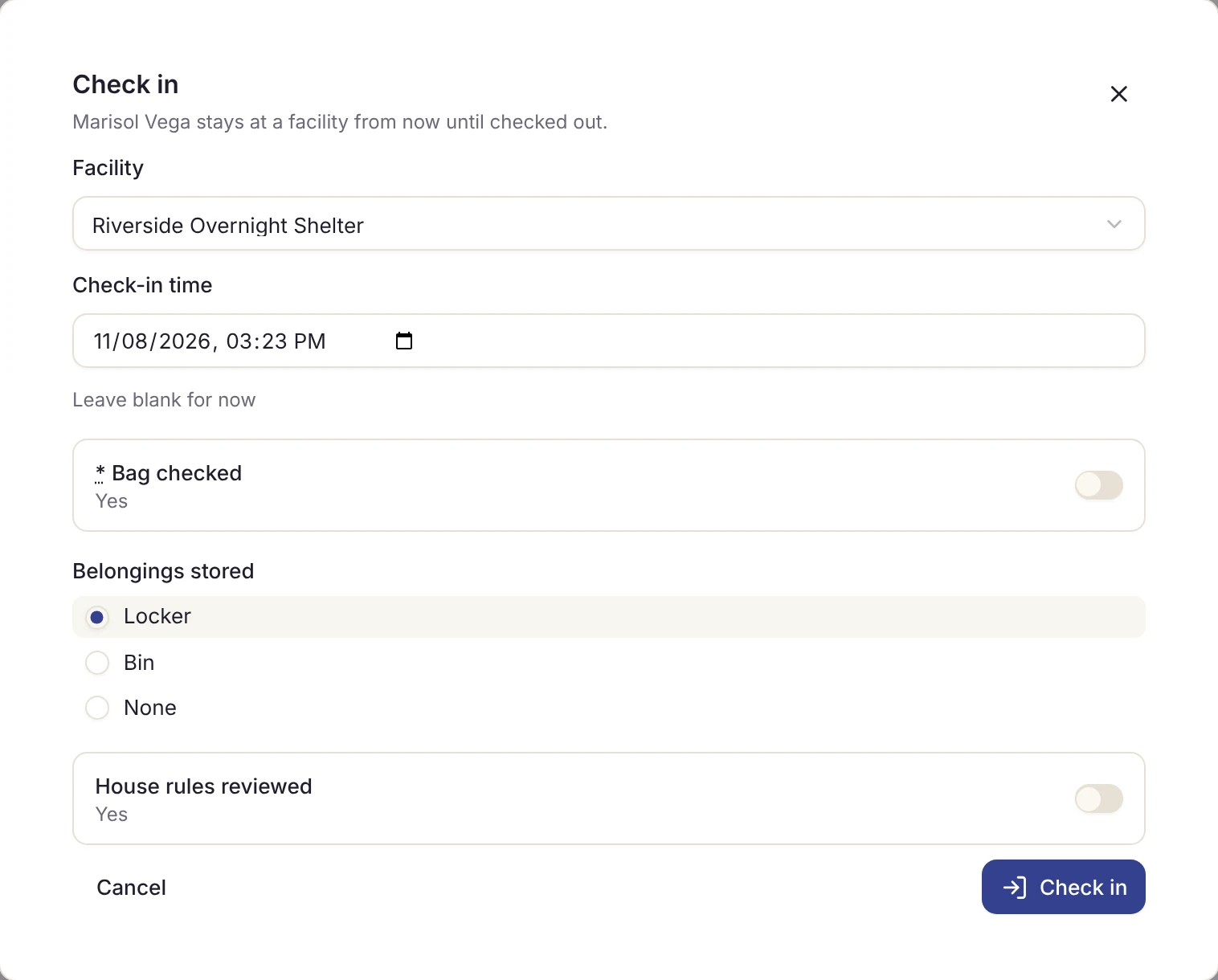
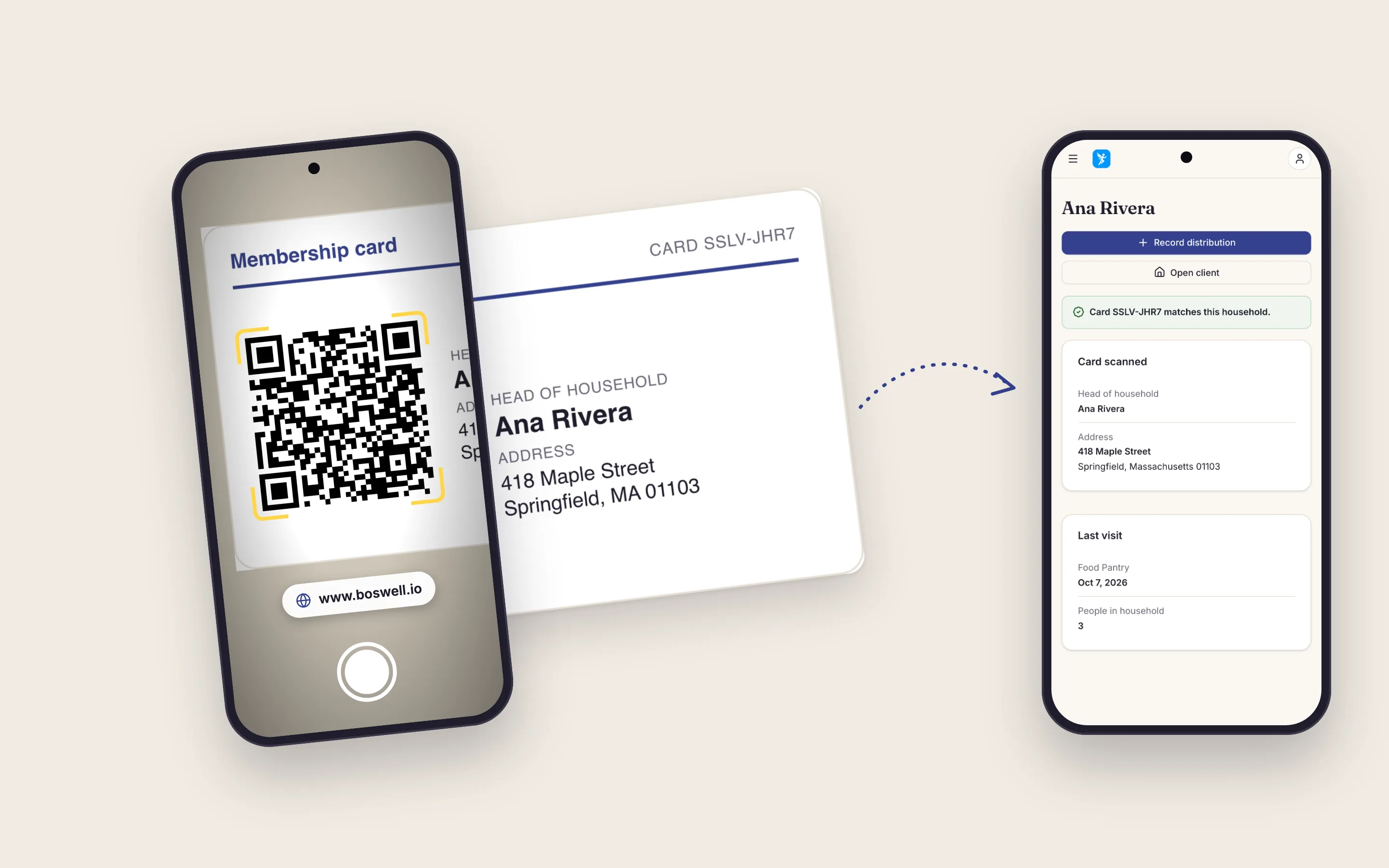
Scan a guest’s membership card to open their page, or search their name. Then check them in with a short form.
All night
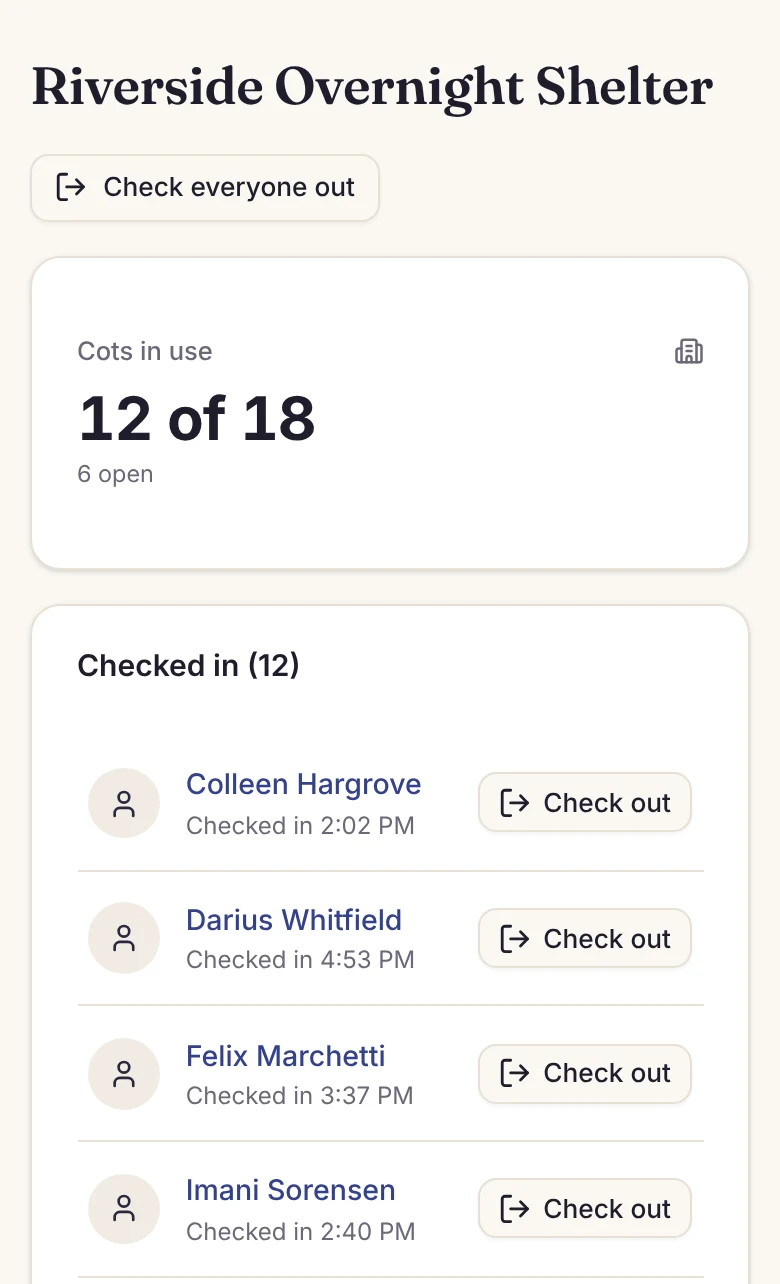
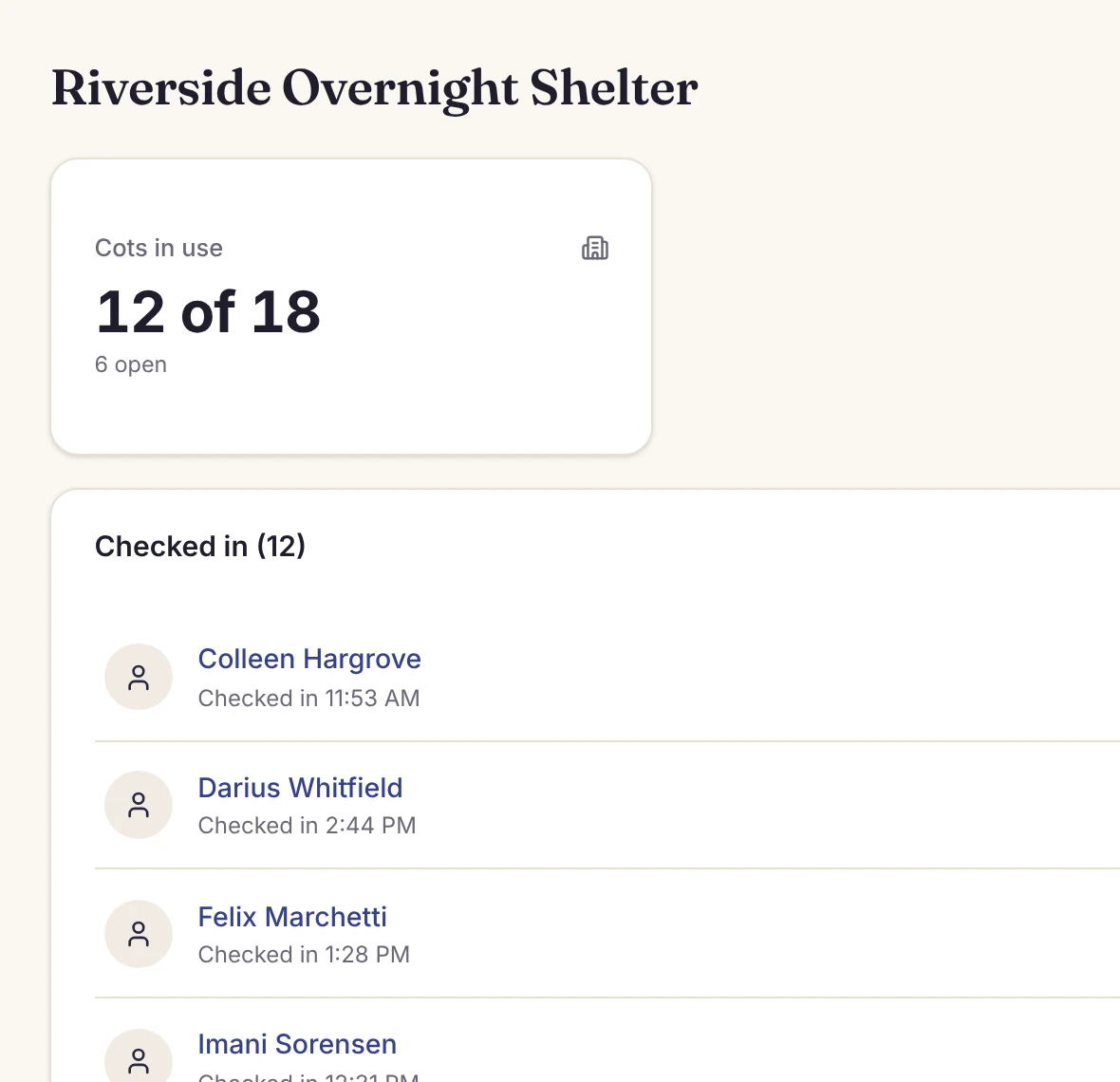
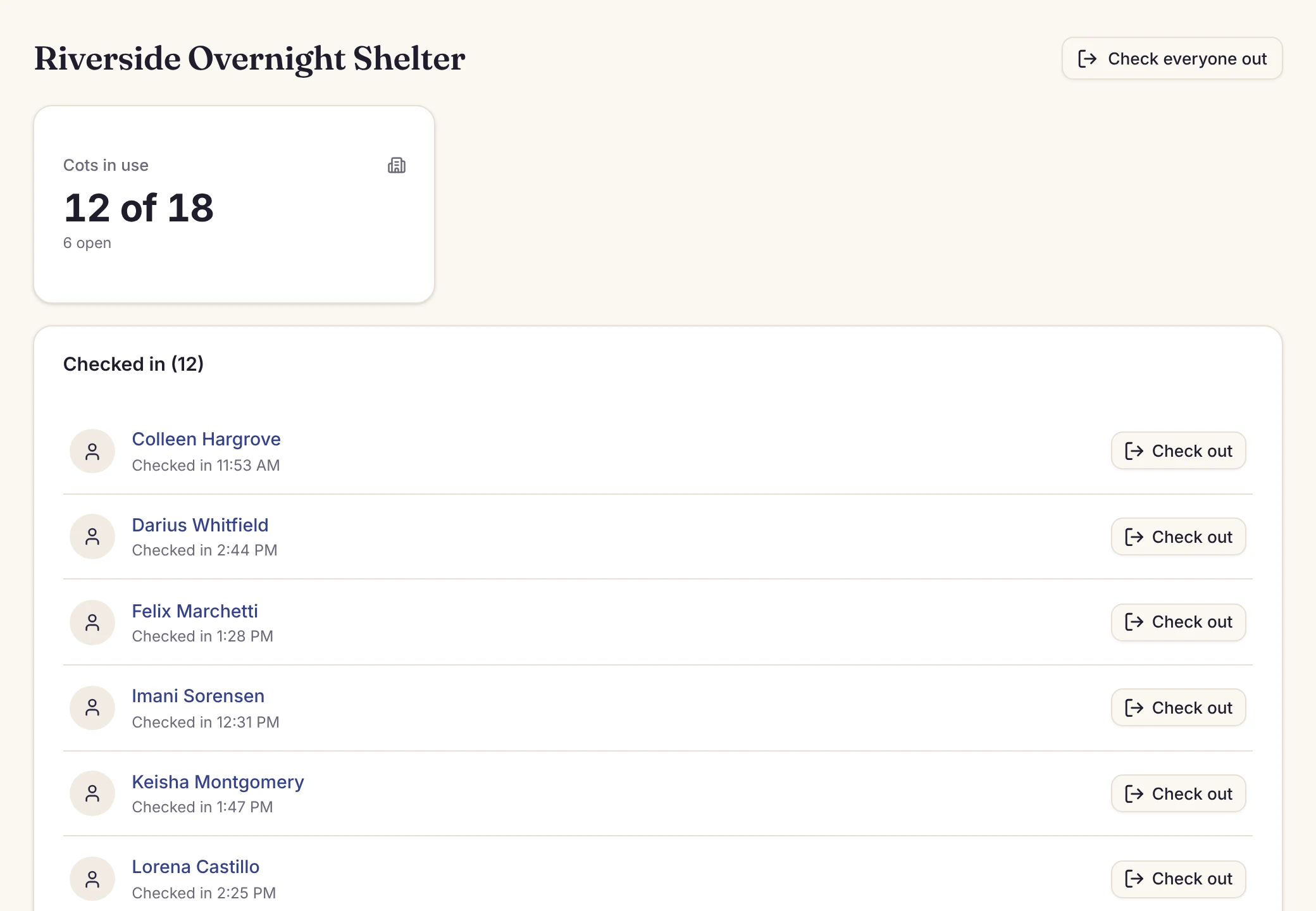
How many spaces are in use and open, in your own word for them (beds, cots or rooms), and the name of everyone checked in right now.
Breaks
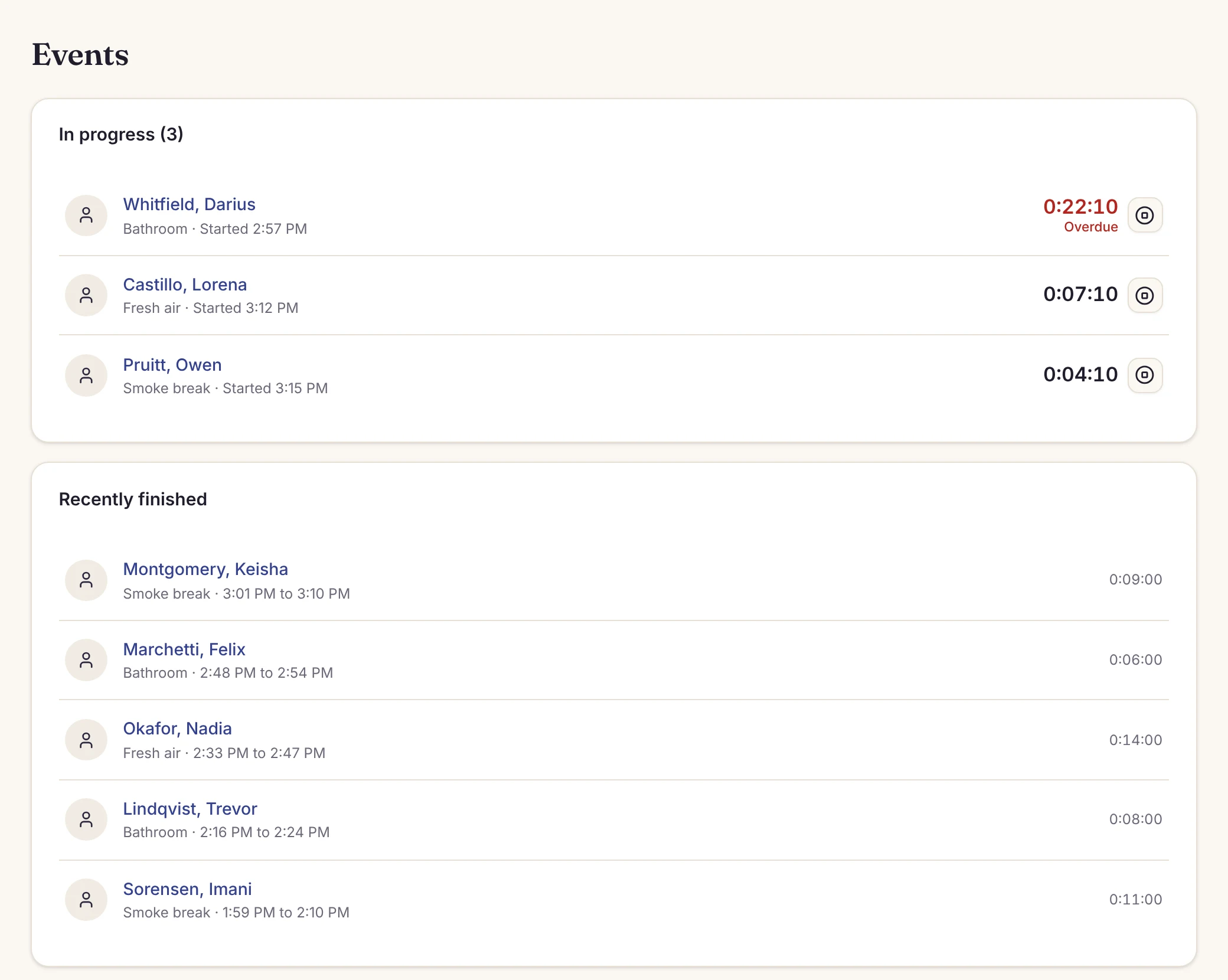
Start a bathroom break, smoke break or fresh air with one tap, and tap Finish when they’re back.
In the morning
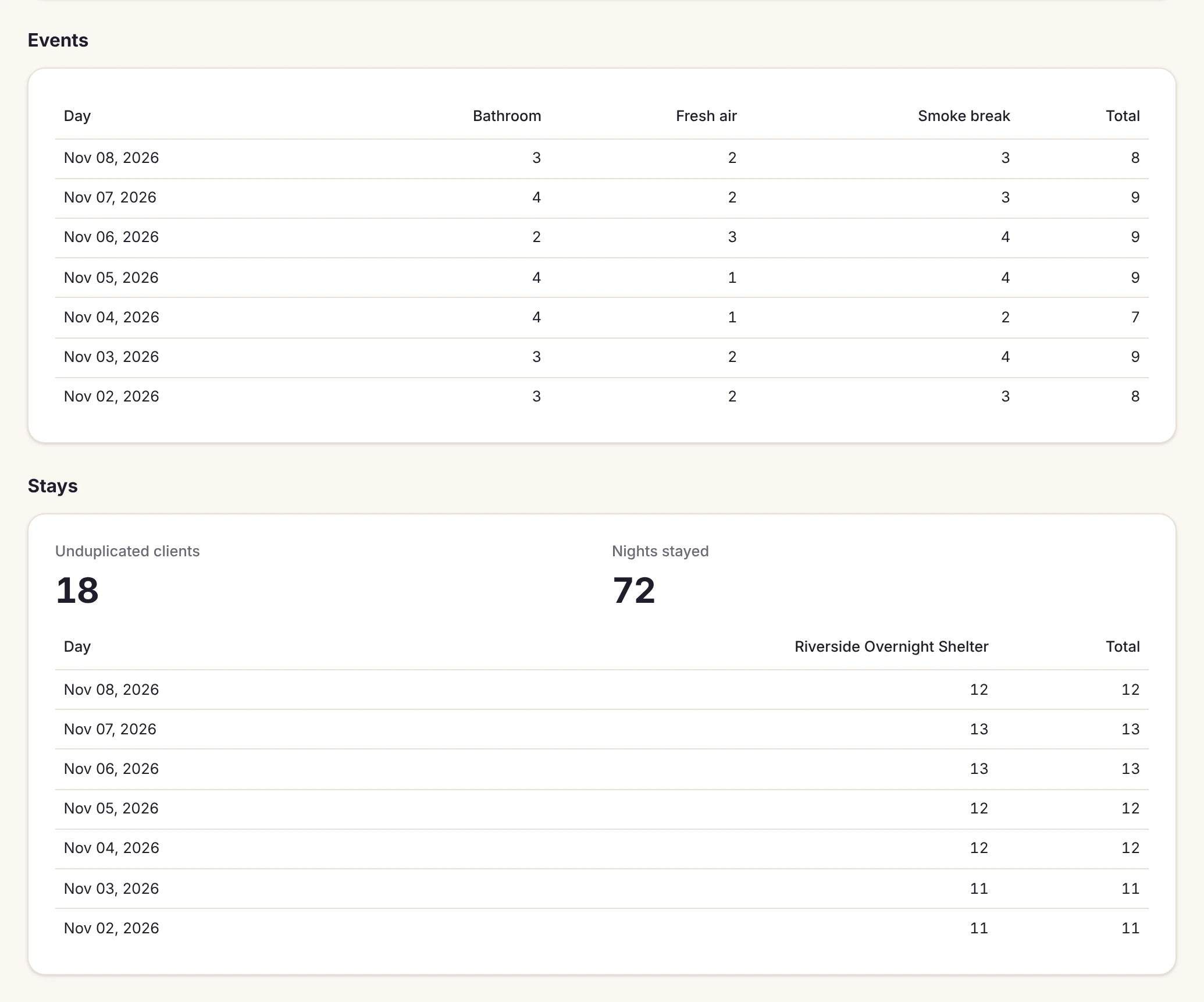
The dashboard shows stays per day, unduplicated guests, nights stayed and breaks by kind for any dates you pick, for your board and funders.
After the doors close, your night staff sign in, see who else is on duty, write down what happened and count the night. These are the screens they use.
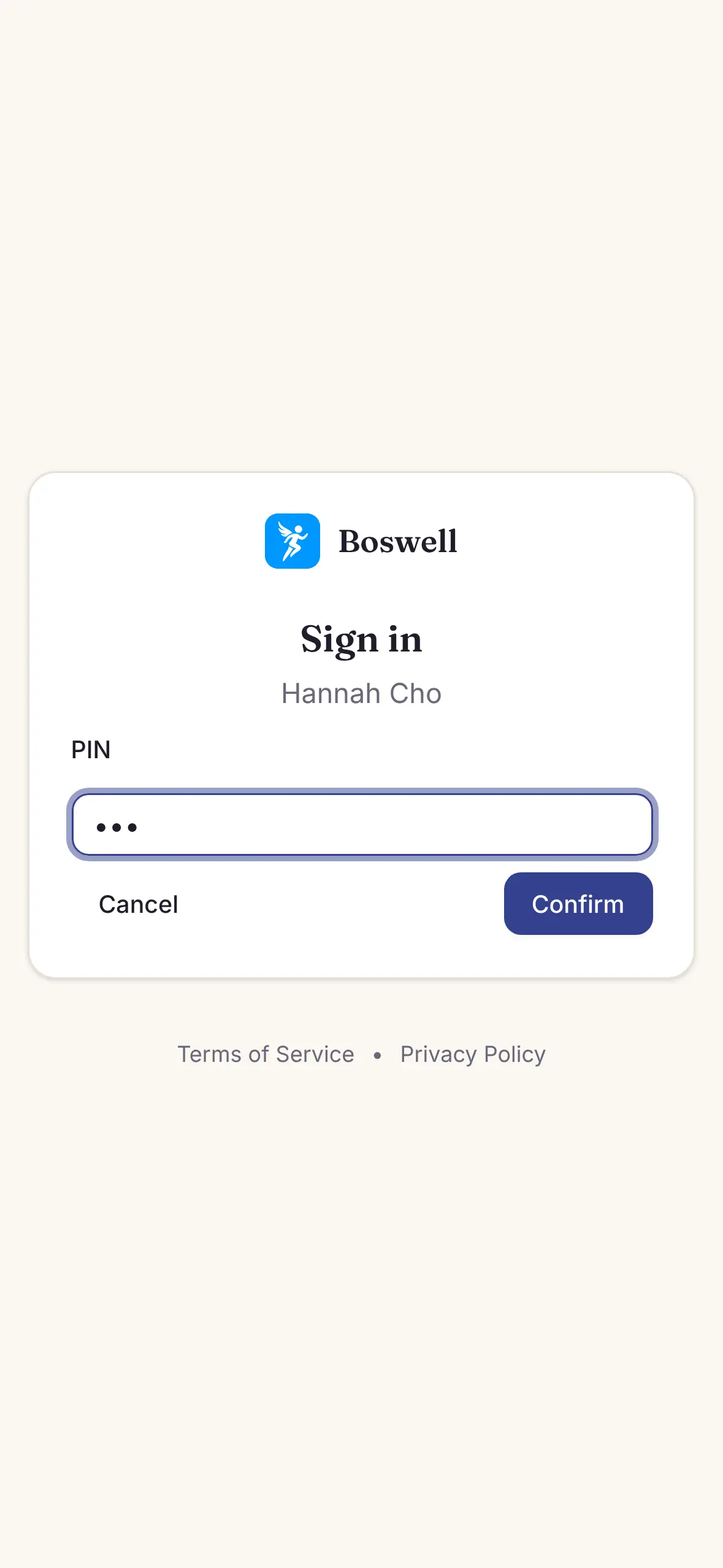
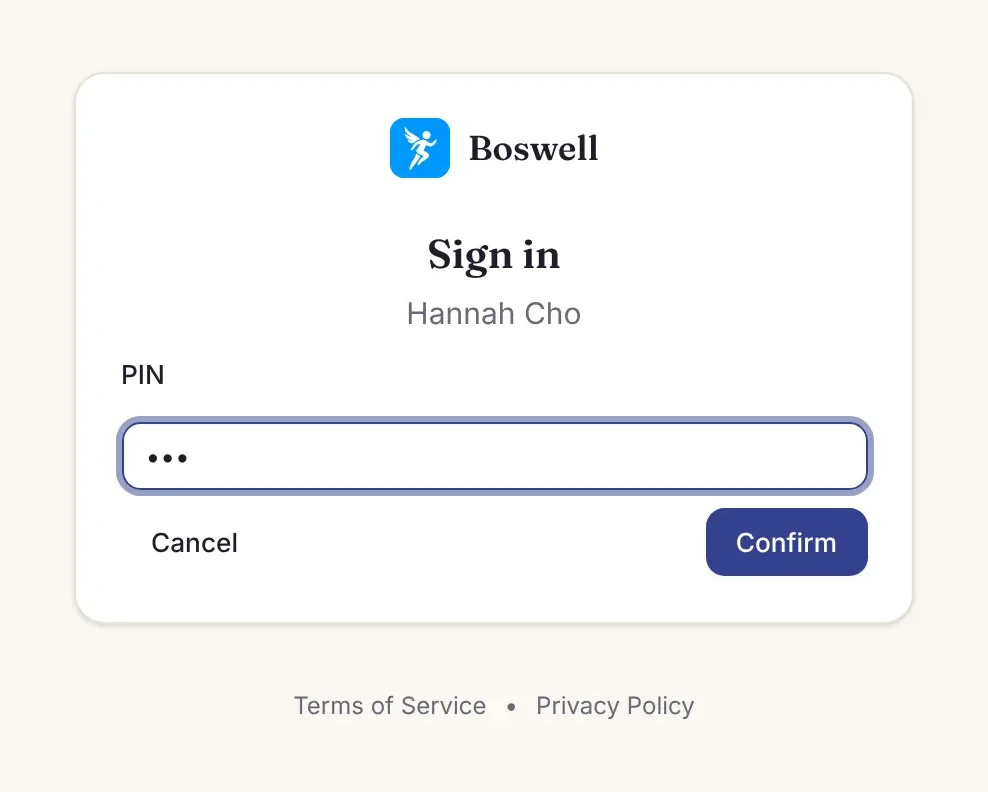
Make a shared computer a station. Staff and volunteers pick their name and type their PIN. No email address needed, and it’s included for every organization.
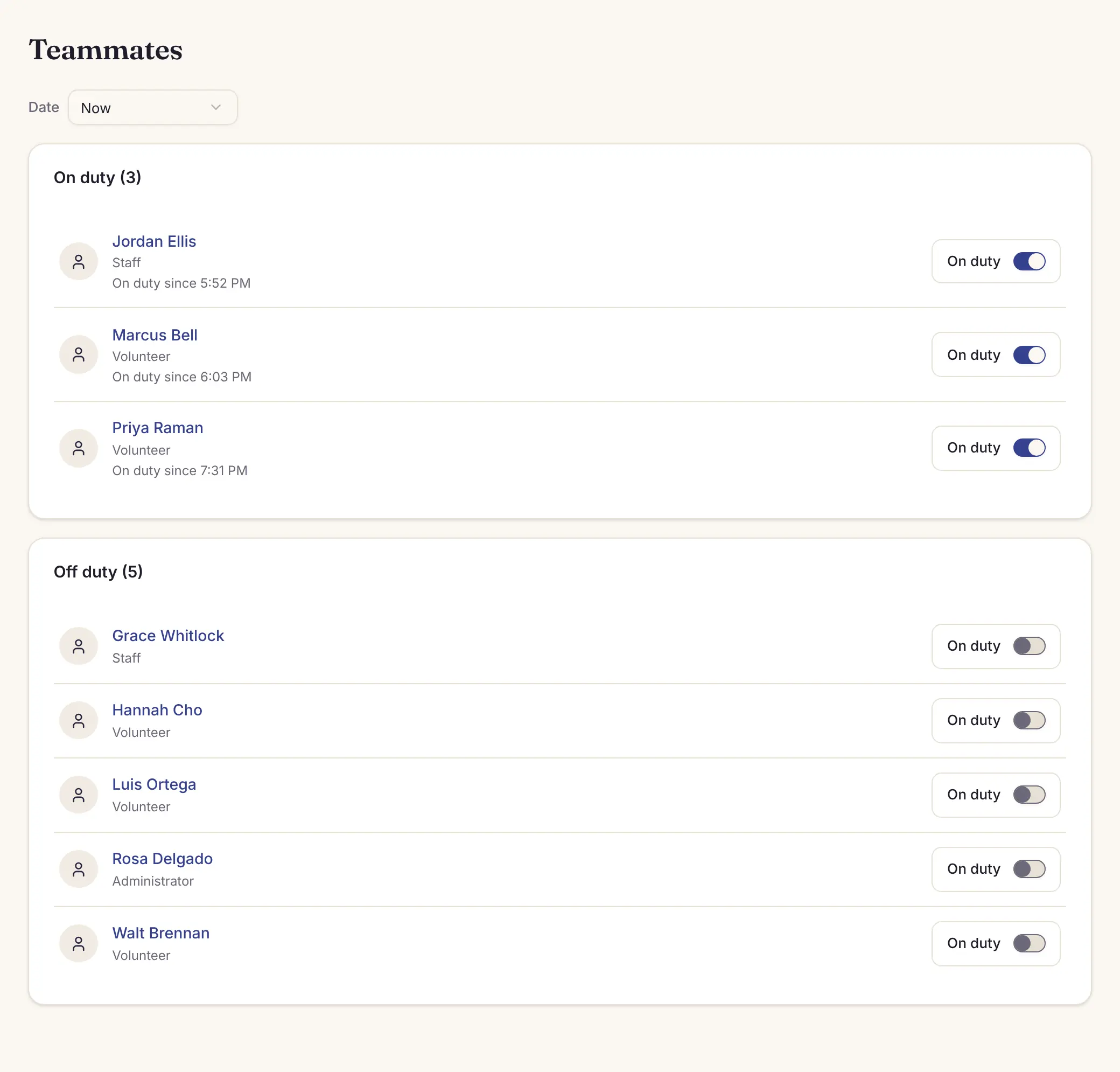
The Teammates page lists who is on duty and since what time, and who is off duty. Each person has an On duty switch.
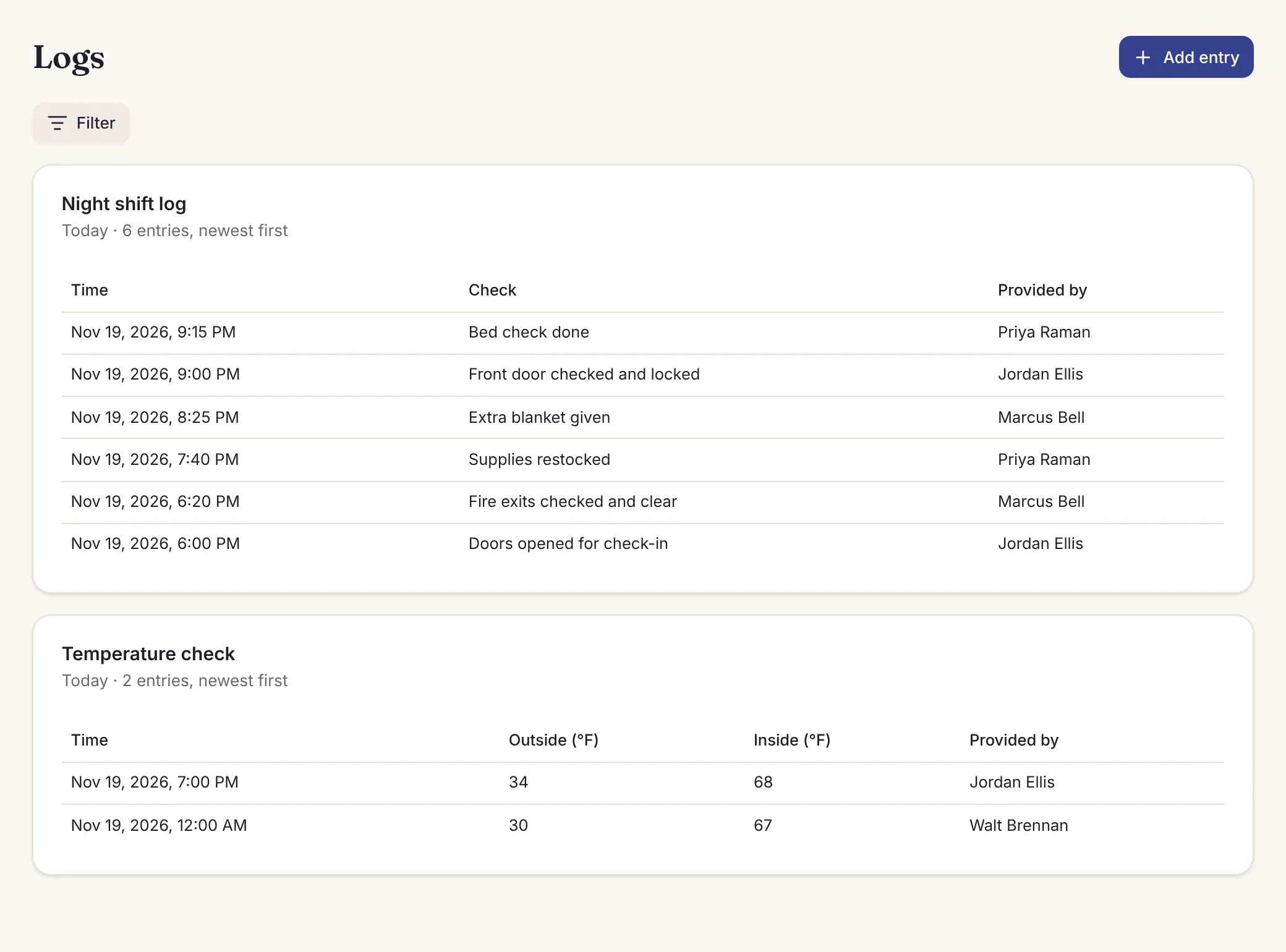
Set up your own logs, like a night shift log or a temperature check, with the fields you choose. Staff add entries through the night, and each one shows the time and who added it.
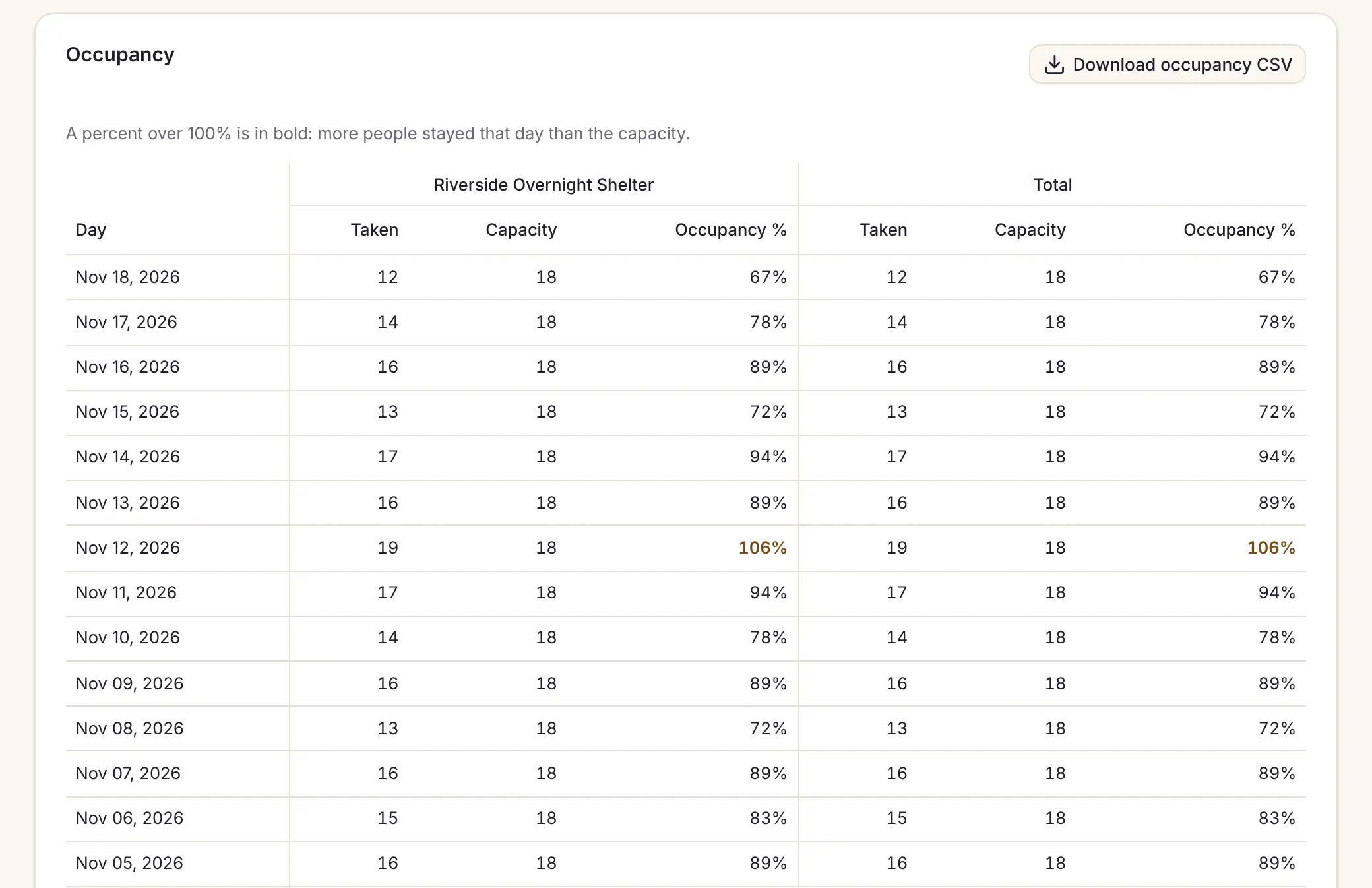
The dashboard shows, for each day, how many spaces were taken, your capacity and the occupancy percent, for each facility and in total. A day over 100% shows in bold. Download it as a CSV.
Free for 30 days, no credit card. You can be set up in under an hour.
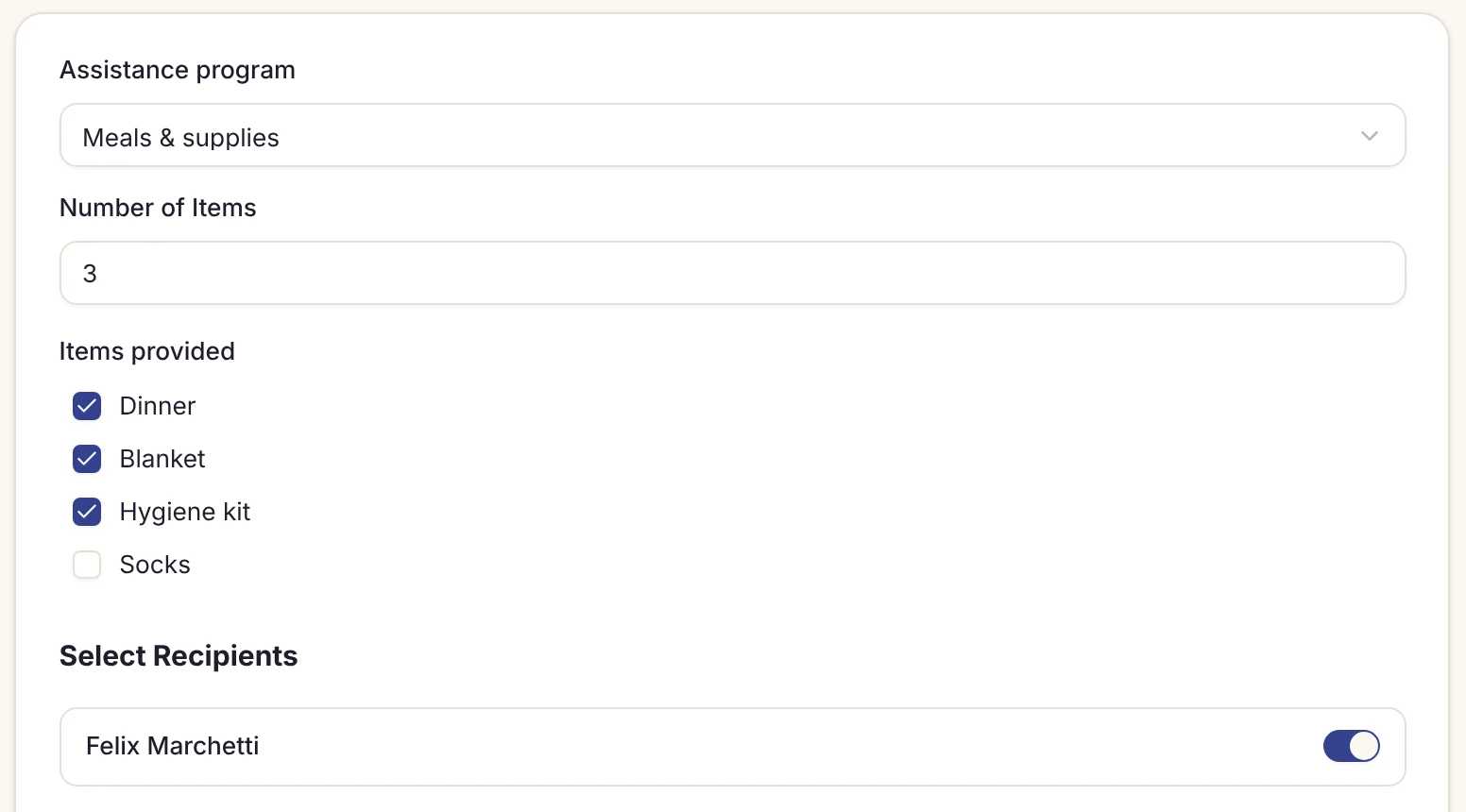
Record meals, blankets, clothing and hygiene kits, on forms built around your programs.
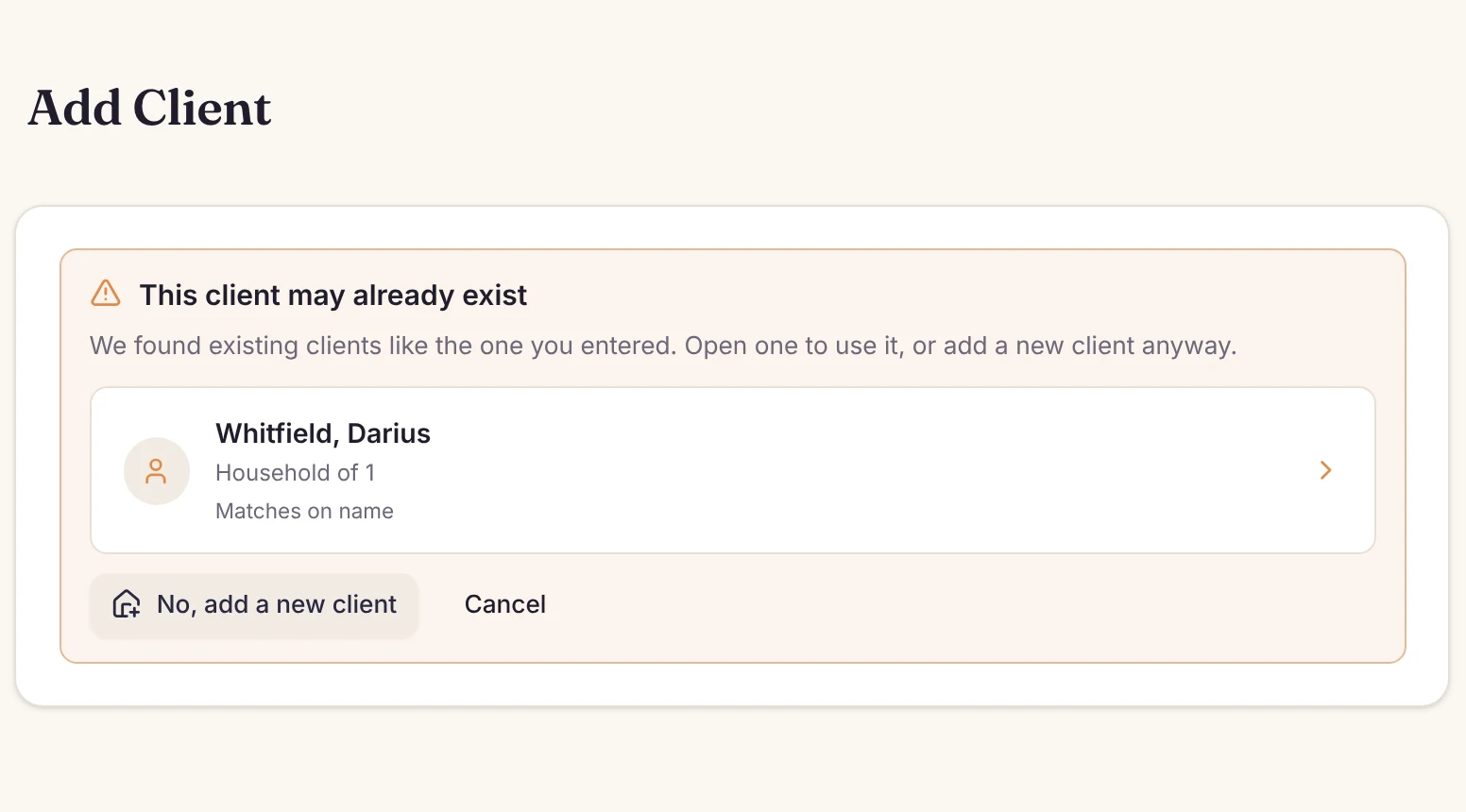
When a new guest may already be in Boswell, it shows the likely match, so you can open the existing record instead.
Your data is yours. We never sell or share it. Export your guest list anytime as CSV.

“With the use of Boswell we have been able to monitor and track guest activities, streamline our intake process and refine our record keeping methods. We recommend their services highly and without reservation.”
Each person takes their own space. When you check someone in, their household is ticked too, so a family checks in together.
No. If you're HUD-funded, keep your HMIS for HUD reporting. Boswell handles check-in, the live board, breaks and nightly counts. It doesn't assign specific beds.
$30/month per location, with unlimited users and all features included. Start with a 30-day free trial — no credit card required.
No credit card. $30/month per location after the trial, with unlimited users.
Also see Boswell for church shelters and warming centers.